Wi-Fi Installation with UniFi
Slow or patchy Wi-Fi is usually a design problem, not a broadband problem. We design and install wireless networks for homes and businesses across Surrey, London and the South East, with every access point wired back over Cat6 for the best speed and reliability.
As a NICEIC Approved Contractor that also installs data cabling, we handle the whole job, from the cable runs and network cabinet to the access points, set-up and handover.
What We Install
UniFi Wi-Fi 6 and Wi-Fi 7
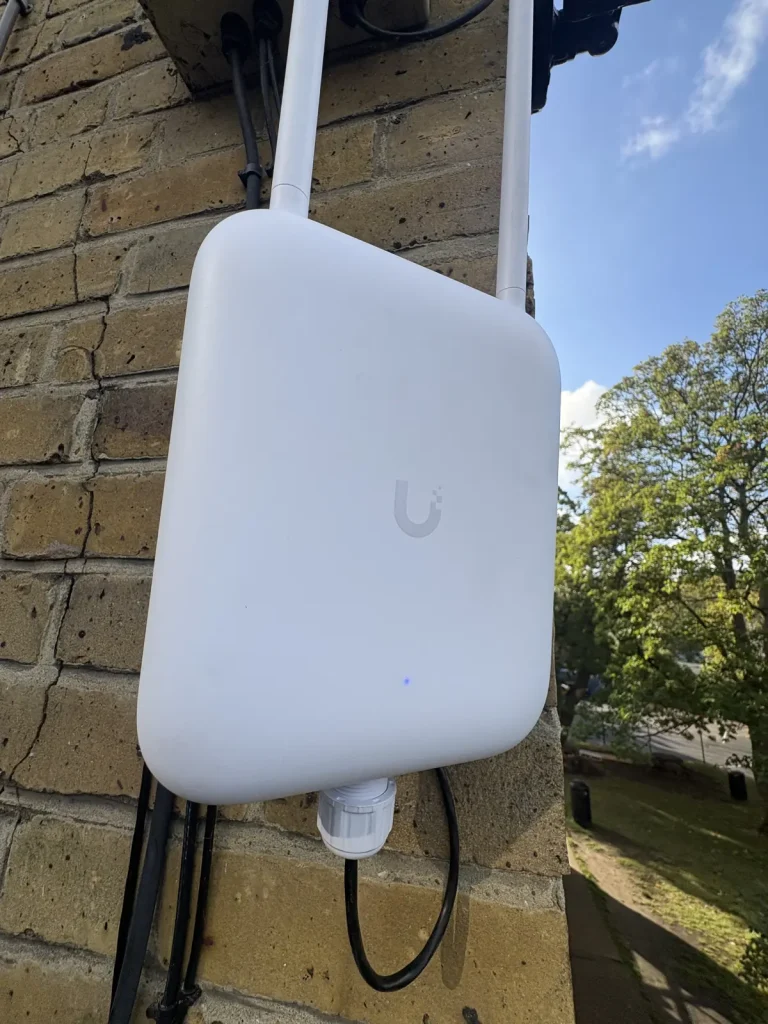
Ceiling and wall-mounted UniFi access points for fast, reliable Wi-Fi in homes, offices and commercial buildings.
Coverage planned properly
We plan where each access point goes so you get strong signal in every room, without dead spots or too many devices fighting for one router.
Wired back with PoE
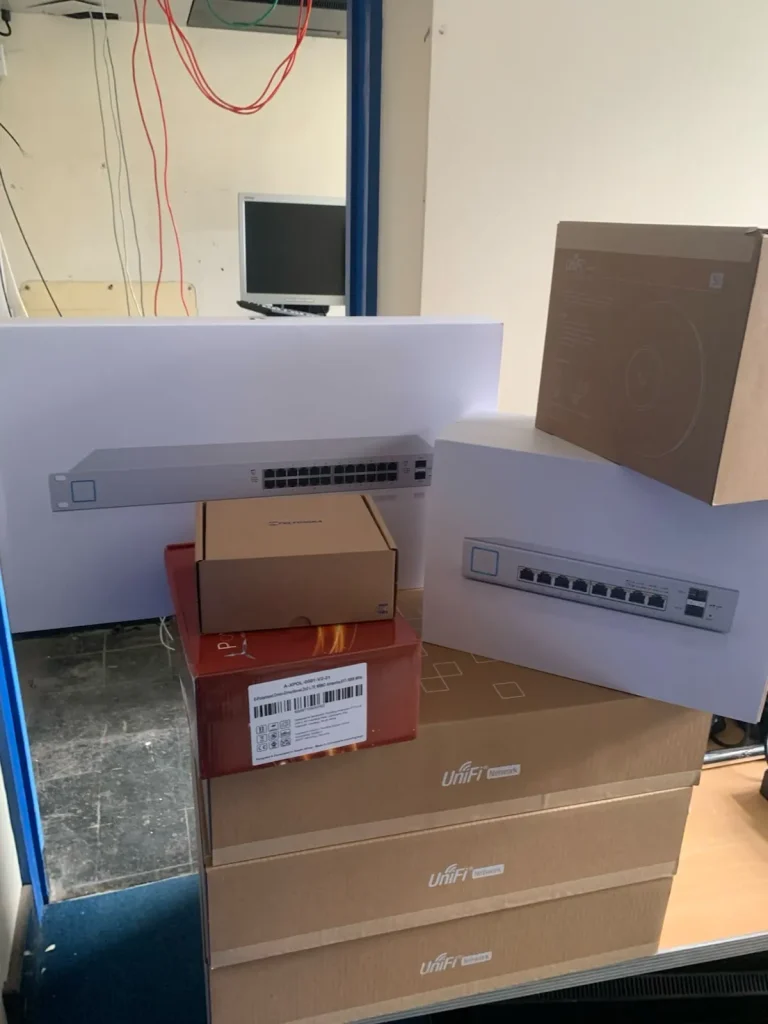
Every access point is cabled back to a PoE switch, usually on Cat6, so it gets power and data over one cable.
Seamless roaming
Move around the house or office and your phone or laptop hands over between access points without dropping calls or video meetings.
Gardens and outbuildings
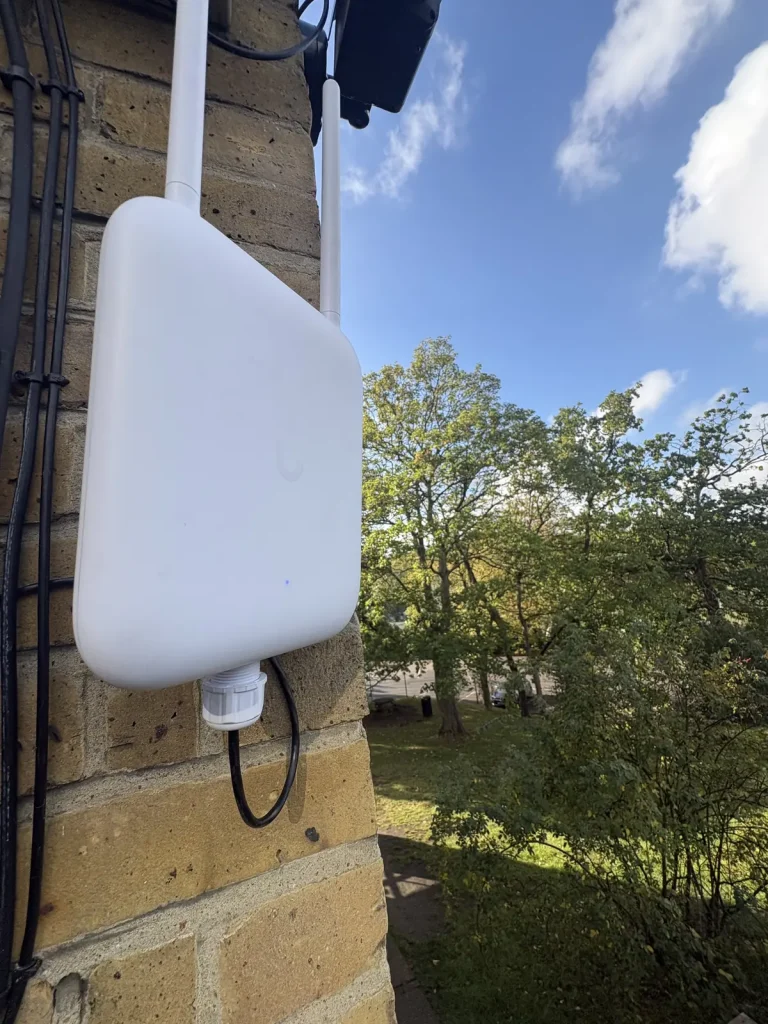
Outdoor UniFi access points and links to garden rooms, garages and annexes, so the Wi-Fi reaches where you need it.
Guest and secure networks
Separate guest, staff and smart-device networks, managed and monitored through the UniFi app, with remote support if you need it.
Why We Use UniFi
UniFi from Ubiquiti is our main choice for most Wi-Fi and network installations, because it gives our customers business-grade kit at a sensible price.
One app for everything
The gateway, switches and access points are all managed together in one UniFi app, so the whole network is easy to see and control.
No licence fees
The standard UniFi network software has no monthly subscription, so you are not paying ongoing fees just to run your own network.
Remote support
With your permission, we can check and fix many problems remotely, often without needing a visit.
Grows with you
Add access points, switches or cameras later without starting again, from a single home to a multi-floor office.
Also TP-Link and Netgear
UniFi is not right for every job. Depending on the project, your budget or the kit you already have, we also install TP-Link Omada and Netgear, and recommend the best fit at the survey.
Wi-Fi Installation Prices
Every price includes a free survey, installation, set-up and a handover of the app. We confirm the final price after the survey.
TP-Link Omada
Omada router with 2 Wi-Fi 6 access points, linked wirelessly. No new cabling. A good-value option for flats and smaller homes.
UniFi
UniFi Express 7 router with 2 UniFi Wi-Fi 7 access points, linked wirelessly. No new cabling. Ideal for small to medium homes.
Small Home
2 UniFi access points wired back over Cat6, PoE switch and gateway. The fastest, most reliable option for most homes.
Large Home
3 to 4 access points over Cat6, with coverage out to the garden, garden room or outbuildings.
Offices, Shops and Venues
Staff, guest and device networks, designed after a site survey.
Mesh or wired? Mesh systems link the access points wirelessly, so they are quicker to install but slower than access points wired back over Cat6. We will tell you which suits your home at the survey.
How We Install Your Wi-Fi
Survey
We look at the building, where you need signal and how many devices you use.
Design
We plan the access point positions, cable routes and the UniFi switch and gateway.
Install
We run and terminate the cabling, fit the access points and set up the network.
Test and Handover
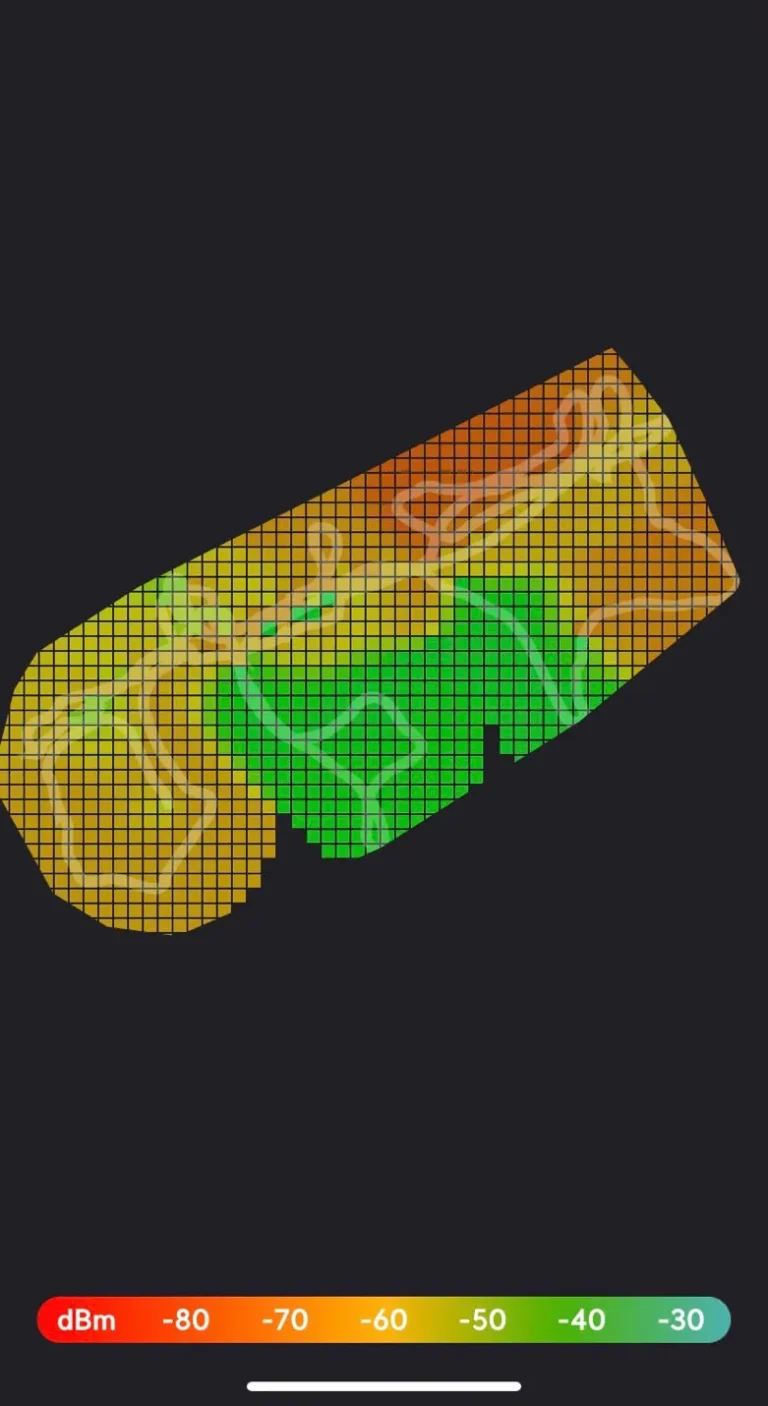
We test coverage around the building, label everything and show you the UniFi app.
Where We Install Wi-Fi
Homes
Whole-house Wi-Fi for larger homes, home offices and smart home systems.
Offices
Reliable Wi-Fi for staff and guests, with separate networks and room to grow.
Shops and Hospitality
Customer guest Wi-Fi kept separate from tills, CCTV and back-office systems.
Outdoors
Gardens, car parks, yards and outbuildings covered with outdoor access points.
Schools and Community Centres
Wi-Fi for classrooms, halls and meeting rooms, with filtered guest and visitor networks kept separate from staff and admin systems.
Landlords and Rental Properties
Reliable Wi-Fi for HMOs, flats and holiday lets, with separate networks per tenant or room that you can manage remotely.
Wi-Fi Questions
Do access points need to be cabled?
For the best results, yes. Wiring each access point back to the network gives full speed and powers it over the same cable (PoE). We can also install data cabling at the same time.
Will it work with my broadband?
Yes. We can work with your existing broadband router or replace it with a UniFi gateway, depending on your provider and what you need.
Can you fix Wi-Fi in a large house?
Yes. Larger homes usually need several access points rather than one powerful router. We plan the positions so the signal reaches every room and the garden.
Can you look after the network after installation?
Yes. With your permission, we can monitor and support the network remotely through UniFi, so many problems can be fixed without a visit.
Need Cabling Too?
Good Wi-Fi depends on good cabling. See our structured cabling service, and compare Cat5e, Cat6, Cat6A and fibre.
Data and fibreStructured cablingCat5e, Cat6, Cat6A or fibre?Compare cable types